Your personal cinema.
Bring movies and television together with artwork, seasons, resume playback and a player that makes room for the story.
THE MEDIA CENTER lumio.STREAM
A SPACE FOR WHAT YOU LOVE
The films you return to.
The music that stays with you.
Bring your own collection to a beautifully personal cinema and listening room. Hosted on your Mac. Made for your everyday.
macOS 14+ · Apple silicon · Development preview
01 / THE EXPERIENCE
Less searching for where you left off.
More time with what you
came for.
Bring movies and television together with artwork, seasons, resume playback and a player that makes room for the story.
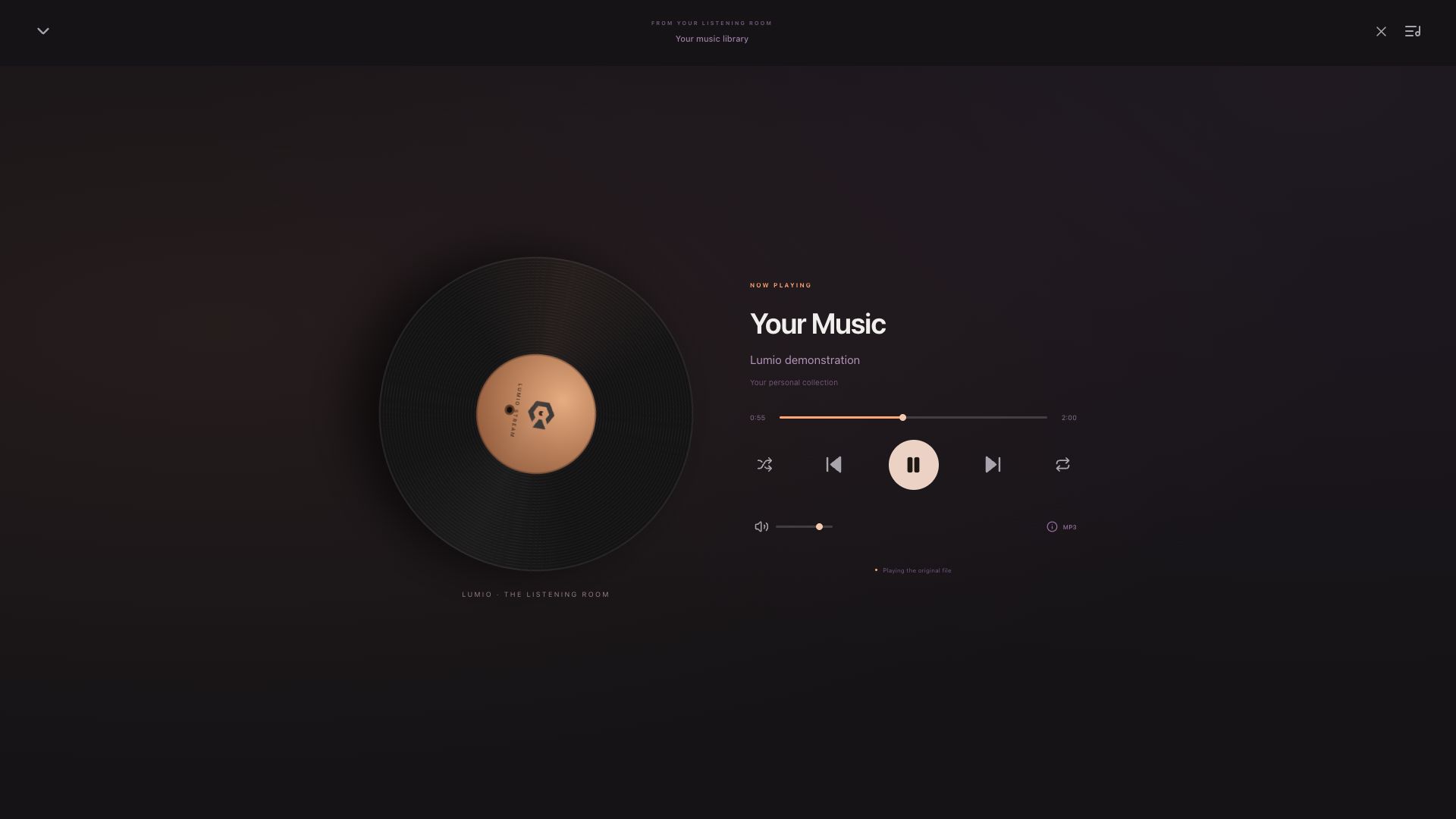
THE MEDIA CENTERAn immersive record-inspired player, personal suggestions and smart shuffle that finds unheard tracks before returning to familiar favorites.
LET THE NEXT TRACK FIND YOUA native Administration app for libraries, people, metadata and connections. Keep the background server running when Administration closes.
HOSTED ON YOUR MAC02 / DESIGNED TO FEEL PERSONAL
Warm accents. Quiet controls.
Your collection at the center.
03 / A LITTLE MORE YOURS
Lumio is self-hosted. You supply the media, choose the libraries, and decide who gets a seat.
Add folders from your Mac or mounted drives. Lumio indexes your collection; films and music are not included.
Give people their own profile, library access, favorites and playback history.
Use the Media Center in your browser. Configure your own HTTPS endpoint through Cloudflare Tunnel for remote access.
YOUR NEXT EVENING IN
Start with your Mac. Bring the collection you love.
For Apple silicon · macOS 14 or later
View macOS releasesFinding the latest published installer…
A future home for your collection.
The Windows edition is planned. There is no Windows installer available yet.
A little more time. The same attention to detail.This is an unsigned, non-notarized development preview. Review the release notes and checksum before installing. Playback capabilities depend on your media, device and network.
YOUR FIRST EVENING
Open the DMG and drag Lumio Stream into Applications.
Open Lumio, complete server setup, then add your media folders.
Open it from Administration or the menu bar. Choose something you love.
Back up your server from Backup & maintenance. Stop the background server and quit Administration before replacing the app in Applications. Reopen Lumio afterward. Keep your existing profile and media folders; this is an app update, not a fresh setup.